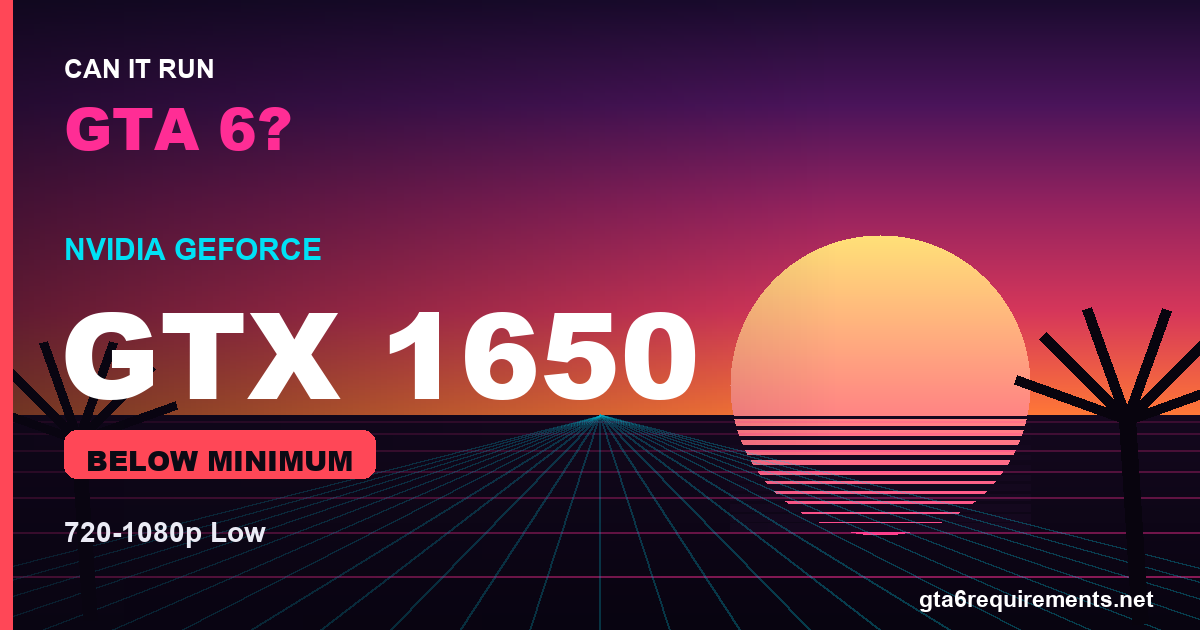
Can a GTX 1650 run GTA 6? Possibly — but it’ll be a struggle. The GTX 1650 sits below the estimated minimum GPU for GTA 6, and its 4GB of VRAM is the main bottleneck. Expect 1080p (or even 720p) on Low settings with frame rates that may dip under 30 FPS in busy areas.
Note: Rockstar has not released official GTA 6 PC system requirements yet. This analysis is based on estimated specs, GTA 6’s console hardware, and how this GPU performs in recent open-world games. We’ll update the guide when official requirements arrive.
Can a GTX 1650 run GTA 6? The Short Answer
The GTX 1650 falls a step below the expected minimum GPU. The bigger issue is its 4GB of VRAM, which is tight for a modern open-world game like GTA 6 and will force you onto low texture settings.
GTX 1650 vs Estimated GTA 6 Requirements
| Spec | GTX 1650 | GTA 6 Minimum (est.) | GTA 6 Recommended (est.) |
|---|---|---|---|
| GPU tier | GTX 1650 | ~GTX 1660 | ~RTX 3060 |
| VRAM | 4GB | 6GB | 8GB+ |
| Realistic target | 720p–1080p Low | 1080p Low–Medium | 1080p High @ 60 FPS |
The GTX 1650 sits beneath the minimum tier on both raw power and VRAM, so it’s an entry-level-at-best option for GTA 6.
What Performance to Expect
- Resolution: 720p–1080p
- Settings: Low
- Frame rate: ~25–35 FPS
- Experience: Playable at a push, with dips in dense areas
Can the GTX 1650 Hit Recommended Settings?
No. The GTX 1650 is below even the estimated minimum, so the recommended 1080p High experience is out of reach. You’ll be focused on simply keeping frame rates stable.
How to Get the Best GTA 6 Performance on a GTX 1650
- Run 16GB of RAM in dual channel — see our GTA 6 RAM requirements guide.
- Install GTA 6 on an SSD to prevent texture-streaming stutter.
- Lower shadows, reflections, and volumetrics first — they cost the most FPS.
- Keep textures within the 4GB VRAM budget to avoid stutter.
- Use the latest “game ready” GPU drivers at launch.
Should You Upgrade?
If GTA 6 is a priority, upgrading from the GTX 1650 is strongly recommended. Even a jump to a GTX 1660 or RTX 3060 would transform the experience. Check your full system against our estimated GTA 6 system requirements before deciding.
Settings Tips to Maximize GTA 6 on the GTX 1650
To get the most out of the GTX 1650 in GTA 6, spend your settings budget where it matters. Shadows, reflections, and volumetric effects are usually the heaviest options for the least visual payoff, so lower those first. Keep textures at a level your VRAM can handle to avoid stutter, and enable any supported upscaling (DLSS or FSR) to recover frame rate with minimal quality loss.
Because the GTX 1650 sits at the below-minimum level, your real-world GTA 6 experience also depends on the rest of your system. Pair it with at least 16GB of RAM in dual channel and install the game on an SSD — both have a big impact on open-world streaming and loading. A modern 6-core CPU will keep the GTX 1650 fed without bottlenecking it in most scenes.
The Bottom Line
The GTX 1650 is a below-minimum level option for GTA 6. Set expectations to match, tune your settings sensibly, and you’ll get a stable experience. Compare your whole build against our estimated GTA 6 system requirements and browse our best GPU for GTA 6 picks.
Frequently Asked Questions
Can a GTX 1650 run GTA 6?
Probably, but poorly. Expect 720p–1080p Low at sub-30 FPS in places. It’s below the estimated minimum.
Is 4GB of VRAM enough for GTA 6?
Not really. 4GB is tight for a modern open-world game and forces low texture settings.
Should I upgrade my GTX 1650 for GTA 6?
Yes — a GTX 1660 or RTX 3060 would give a much better experience.
Will the GTX 1650 hit 60 FPS in GTA 6?
Unlikely, even on Low. Expect closer to 30 FPS.